Student IT Services Toolbox

Student success starts with access to the right resources and tools. Connect with key resources that will help you thrive at UMass Boston and beyond. Access to resources begins with your UMass Boston account.
- Your UMass Boston Account
- Wifi
- Your Courses
- Collaboration
- Computers & Laptops
- Create & Learn
- Mobile App
- Residence Hall
- Student Discounts
- Student Jobs & Internships
- Need Technical Support?

Your UMass Boston Account
Your UMass Boston account gives you access to essential university services, including email, Wi-Fi, WISER, Canvas, Zoom, Healey Library services, and more.
- Email & Sign-In: Sign in to your UMass Boston email at webmail.umb.edu using your full email address (@umb.edu) and password.
- Multi-factor Authentication (MFA): MFA helps protect your account by requiring a second step when you sign in. After set up add a backup phone call option to always stay connected.
- Account Help: Visit the Account Help page to reset your password or update your sign-in options.
- Keep Your Account Secure! Never share your password or pins generated by the MFA account verification process: Protect yourself from Phishing

Wifi
- eduroam is the official Wi-Fi network at UMass Boston. Connect to eduroam using your full UMass Boston email address and password for secure access.
- Need Help? Visit How to access the eduroam wifi network for details.

Your Courses
Access Course Information - WISER
WISER is UMass Boston’s student information system. Students use it to register for classes and view schedules and grades.
- Visit the WISER FAQ to access the log in page and find answers to common questions.
Access Your Courses - Canvas
Access course materials, assignments, and class activities in Canvas.
- Visit the Canvas Student Resources page for help and resources.
Collaboration
Microsoft 365
-
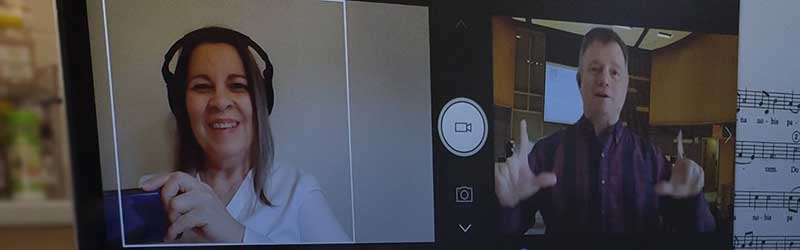
Log in with your UMass Boston account to access Outlook, Word, Excel, OneDrive, and Teams online—or download Microsoft 365 for full features.
-
Use Microsoft Copilot to support learning and organization. Visit the Copilot page for access and responsible use guidelines.
Google Workspace
Google Workspace provides Drive, Docs, Sheets, Forms, Calendar, and more to all UMass Boston faculty, staff, and students. Use your UMass Boston account to log in.
Zoom
Use Zoom for online classes, meetings, and screen sharing. Log in with your UMass Boston account—new users may need to activate their account first.
- Visit Zoom for Students to get started.

Computers and Laptops
Purchasing
UMass Boston students can take advantage of discounts on a wide array of products, desktop computers, tablet computers, laptops and more, from Dell.
Borrowing
Borrow a Chromebook from IT Services while supplies last. Return it by the end of the semester—or sooner if you no longer need it—to the Healey Library Circulation Desk (2nd floor).
Computer Labs
Computer labs are available with public computers and software for media, design, and data work. Most labs are open for walk-in use, with some reserved for classes.
Printing
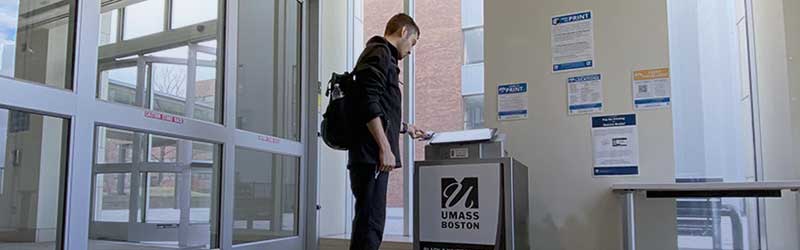
WEPA printing kiosks
Print from your laptop, lab computer, or mobile device at WEPA printing kiosks across campus and in residence halls. Students receive $15 in free print credits each semester, with additional payment options available if needed.
Create & Learn
Software
UMass Boston students can get free or discounted software, including Microsoft Office 365, Windows, Qualtrics, Mathematica, and more.
MakerSpace
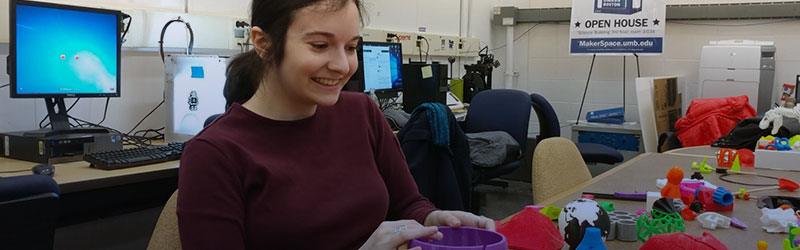
The MakerSpace is a place to design and create virtual or physical projects using tools like 3D printers, VR/AR, and specialized software. Staff are available to help with university-related projects.
WordPress
Use WordPress on the UMass Boston Sites Network to create blogs, portfolios, and websites.
LinkedIn Learning
LinkedIn Learning offers online courses and tutorials on software, web skills, and productivity—plus soft skills to support your coursework and career.
Mobile App
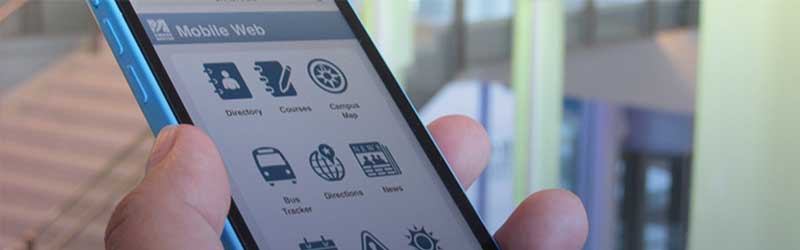
The new UMass Boston Mobile App is here! Completely redesigned based on student feedback, the app is the fastest way to access some of the most important campuses services.
- Download the UMass Boston Mobile App
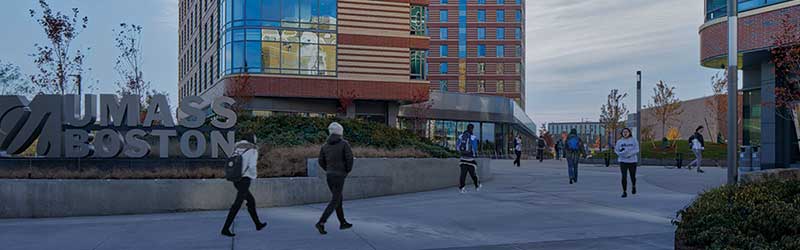
Residence Hall
Residence Hall Wifi
All residence floors have Wifi! Log into Eduroam, the same Wifi network name you see all over campus.
Res Hall Wifi isn't supported through the main IT Service desk, instead, talk to Res Hall Staff about problems with Wifi in the Res Hall buildings, and they will direct you to how to get help.
Residence Hall Student Printing
Both Residence Halls have printers available for residents, located on the first floor of each building.

Student Jobs and Internships
UMass Boston offers employment opportunities to students to enhance their academic experience in a supportive setting. Students gain valuable skills, have flexible working hours, and perform work that may relate to a future career.
Need Technical Support?
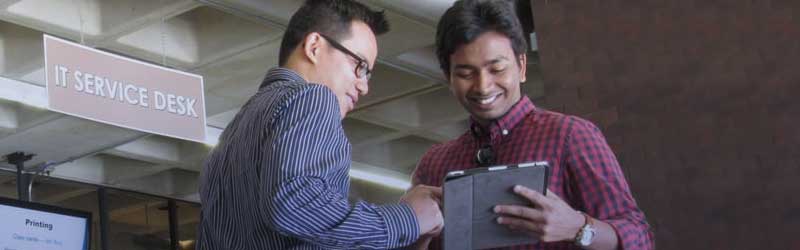
Reach out to the IT Service Desk
Get tech support from the IT Service Desk.
- IT Support Live Chat
- ITServiceDesk@umb.edu or 617.287.5220
Information Technology Services
Healey Library, 3rd Floor
617.287.5220
ITServiceDesk@umb.edu